Prepare a freight-ready carton sheet for OEM toy development by tying each product to its approved configuration, then confirming the final case pack, external carton dimensions and gross weight before booking. A Sunflower Bubble Maker with Lights serves a bubble-play assortment; a Plush Dinosaur House serves a plush-themed assortment. Their catalog packing and carton counts provide starting values—not booking authority. Keep the quoted sales unit, customization approvals and measured shipping data connected on one revision-controlled sheet.
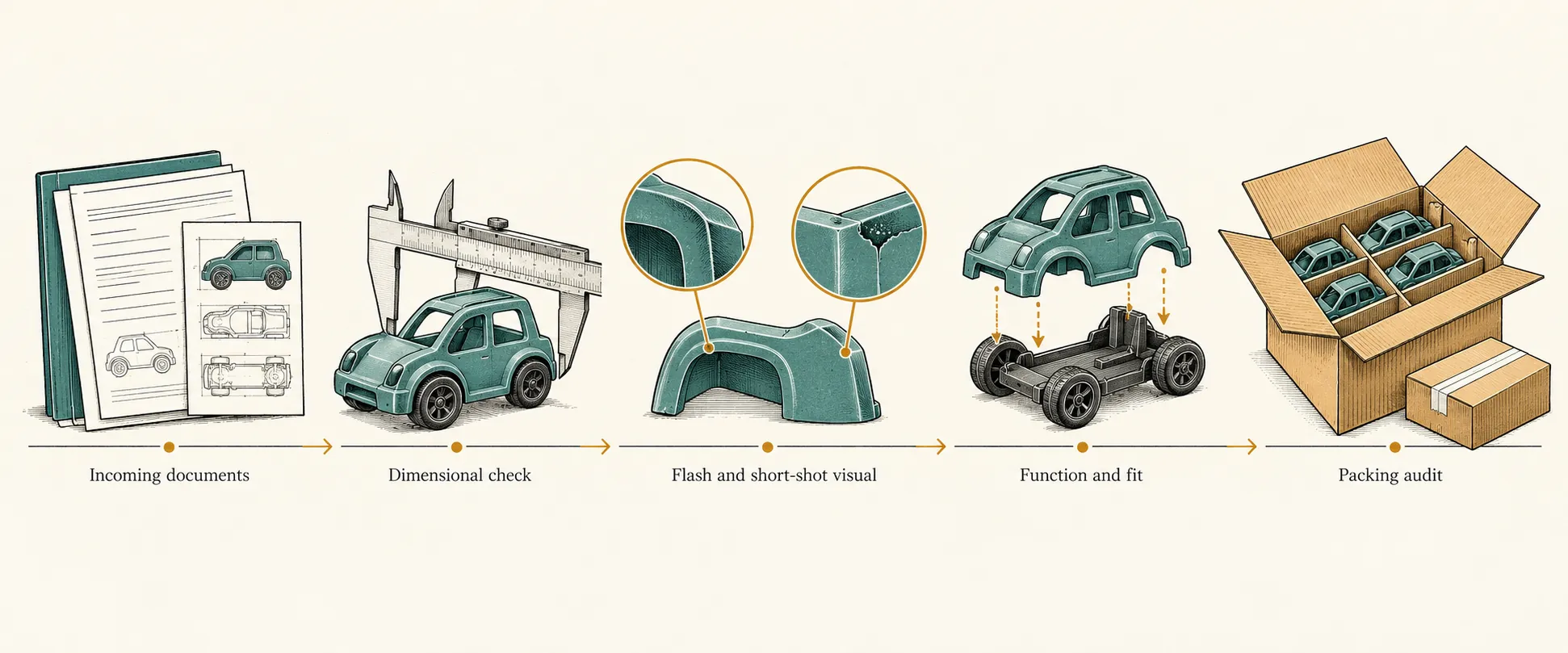
What does the catalog confirm for the two toy options?
| Product identity | Bubble-play option: Sunflower Bubble Maker with Lights. Plush-themed option: Plush Dinosaur House. Status: catalog-record confirmed; match the selected sample and current quotation to the correct product. |
|---|---|
| Supplier item identifier | Sunflower Bubble Maker with Lights: . Plush Dinosaur House: . Status: catalog-record confirmed; retain these identifiers separately from buyer item codes and packaging revision numbers. |
| Recorded material | Sunflower Bubble Maker with Lights: ABS. Plush Dinosaur House: Plush/ABS. Status: catalog-record confirmed; confirm component-level construction against the selected sample. |
| Unit packaging | Both products: color box. Status: catalog-record confirmed; provisional for the OEM order until the box structure, contents, insert and artwork are approved. |
| Reference MOQ | Sunflower Bubble Maker with Lights: 30. Plush Dinosaur House: 108. Status: catalog-record confirmed; obtain a current quotation stating the applicable sales unit and the MOQ for the exact requested configuration. |
| Units per carton | Sunflower Bubble Maker with Lights: 30 recorded units. Plush Dinosaur House: 36 recorded units. Status: catalog-record confirmed; provisional for freight until the final pack is checked. |
How should the product choice affect the carton-sheet request?
Choose the bubble maker for a bubble-play brief and the dinosaur house for a plush-themed brief; do not select either on reference MOQ alone.
For the bubble maker, ask the supplier to itemize everything included in the quoted retail pack, including any operating accessories or consumables. For the dinosaur house, request an itemized contents list and identify which components the Plush/ABS description covers. Neither a product name nor a material field defines a complete bill of contents.
Compare the packing routes on the same commercial basis: the same product, quoted sales unit and included contents. Keep the supplier item identifier, number of pieces in a set, retail packs per carton and order quantity in separate fields. Do not turn a set quotation into an individual-component price.
Request the selected color reference, current availability and reorder conditions directly. A catalog color or color-box listing does not establish inventory or immediate shipment.
Which fields belong on each freight-ready carton sheet?
| Sheet identity and revision | Source: buyer. Status: buyer-confirmed when issued. Record project, supplier item identifier, buyer item code, PO or quotation reference, sheet revision, issue date and preparer. Link every attachment to this revision. |
|---|---|
| Quoted sales unit and contents | Source: supplier quotation plus buyer approval. Status: provisional until agreed. State whether the quote is per individual toy, complete set or retail pack; record set piece count and the itemized contents separately. |
| Quantity and customization MOQ | Source: buyer quantity request and supplier quotation. Status: provisional until accepted. Record order quantity and the exact configuration-specific MOQ separately from the catalog reference MOQ. Ask which requested product, color, logo or packaging component sets the limiting quantity. |
| Color and logo specification | Source: buyer brief and supplier feasibility confirmation. Status: provisional until approved. Record component, color reference, acceptance tolerance or agreed limit samples, logo artwork revision, location, size and application process. |
| Final unit pack and artwork | Source: approved packaging specification. Status: provisional until approved. Record box structure, insert, contents arrangement, artwork revision, required wording and label positions. Keep the artwork approval reference separate from physical-pack approval. |
| Approved sample reference | Source: buyer and supplier approval record. Status: provisional until signed. Identify the product sample and packed pre-production sample, approval date, approver, photographs and any conditions still requiring closure. |
| Final units per master carton | Source: supplier packing confirmation. Status: provisional until the final pack is checked. Record retail packs per master carton, any inner-pack count and whether cartons are single-item or mixed. Do not substitute set piece count for retail-pack count. |
| External carton dimensions | Source: measurement of the final packed master carton. Status: provisional until measured. Record length × width × height with units, measurement date and packing revision. Keep specified target dimensions and observed dimensions in separate entries. |
| Gross weight per carton | Source: weighing of the final packed master carton. Status: provisional until weighed. Record weight with units, packing revision, measurement date and any variation between carton types. Do not substitute product weight or net weight. |
| Shipment quantity and carton breakdown | Source: final packing plan. Status: provisional until reconciled. Record total quoted sales units, full-carton quantities and the contents, dimensions and gross weight of any partial or mixed carton. Carton quantity is not automatically an order multiple. |
| Destination, labels and document instructions | Source: buyer, receiving party and responsible shipping contact. Status: provisional until agreed. Record destination, consignee or receiving reference, carton marks, warehouse labels and the destination-document checklist assigned to its responsible owner. |
| Freight configuration | Source: supplier and logistics contact. Status: provisional until confirmed. State loose cartons or palletized cargo; if palletized, add pallet count, loaded dimensions and gross weight. Tie the freight estimate or booking instruction to this exact configuration. |
| Release decision and follow-up | Source: buyer approval. Status: hold until release criteria are met. Record decision, conditions, approver, approval date and sheet revision. For each open action, record owner, due date, closure evidence and closure date. |
How should a customization request stay linked to the carton sheet?
A customization request should connect the quoted unit, color, logo, packaging and approved sample before production—not leave them in separate email threads.
The following is an explicitly hypothetical request for the Plush Dinosaur House. It illustrates proposed buyer requirements, not confirmed customization availability or accepted commercial terms.
| Hypothetical request identity | Project DH-Pack, request revision A. Ask the supplier to cross-reference this request on its quotation, sample submission and carton sheet. |
|---|---|
| Product and quotation basis | Quote the catalog configuration and the proposed customized configuration per one complete retail pack, using identical itemized contents. Submit the contents list and set piece count for approval before comparing prices or quantities. |
| Color reference and tolerance | Proposed requirement: match buyer chip C-01 on the selected ABS component, subject to construction and feasibility confirmation. Agree visual acceptance between approved light and dark limit samples under agreed inspection lighting. A signed master sample alone does not establish a numerical color tolerance. |
| Logo location and process | Proposed requirement: a one-color pad-printed logo on the underside of the selected ABS component. Return a dimensioned placement drawing and confirm the usable print area and process before producing the approval sample. |
| Packaging artwork and wording | Proposed requirement: retain a color-box format, with buyer artwork revision A and an approved insert arrangement. Obtain printer-specific file instructions. Have the responsible reviewer approve product identification, contents, instructions, barcode and destination-specific wording before artwork release. |
| Sample and change record | Identify the product approval sample as DH-S1 and the packed sample as DH-P1, both proposed references. Record actual approval dates and approvers when accepted. Log each later change with the affected color, logo, artwork, contents or packing revision and its reapproval decision. |
| Commercial and freight confirmation | Request separate MOQ confirmation for the catalog configuration and this proposed customization route. After packed-sample approval, obtain final retail packs per carton, external carton dimensions and gross weight for the same approved configuration. |
Why must carton data be checked again after packaging approval?
Final packaging can change shipping volume and weight even when the toy itself is unchanged, so reconfirm units per carton, external dimensions, gross weight and the freight assumption after final pack approval.
A revised retail box, insert or display arrangement can alter how many packs fit inside the master carton. The recorded carton counts for both example products therefore remain planning references until checked against the approved configuration. This reconfirmation sequence is also recommended in the Toy Packaging Checklist.
Measure the external packed carton, not the product or the retail box. If dimensions are recorded in centimeters, carton volume in cubic meters is length × width × height ÷ 1,000,000. Calculate shipment volume from the actual carton breakdown; record palletized dimensions separately when pallets form part of the freight configuration.
A dieline or PDF proof can establish layout and dimensions on paper, but it does not by itself prove physical fit, transit protection or shelf presentation. Approve a physical packaging sample or packed pre-production sample where those points matter. A visual pack approval is not a substitute for an agreed transport-validation plan.
When is the sheet ready for freight booking?
Release the carton sheet for freight booking only when the approved product and final pack match the confirmed shipment quantity, carton breakdown, dimensions, gross weight and logistics instructions.
A sheet with provisional dimensions or weights can support a clearly labeled freight estimate; it should not be presented as final booking data. Product and packaging minimums can also differ, so resolve the limiting quantity for the requested route rather than applying one reference MOQ to every customization choice. The Toy Packaging Checklist supports this component-specific approach.
Keep provisional non-booking actions visible with an owner and due date, but do not release while an open action could change the shipment configuration. Review document timing with the responsible shipping party so an administrative follow-up is not confused with an unresolved packing decision.
| Configuration gate | Confirm the quoted sales unit, itemized contents, approved product sample, color/logo specification, artwork and physical pack all reference the same accepted configuration. |
|---|---|
| Freight-data gate | Confirm final units per carton, total carton breakdown, measured external dimensions, gross weight and loose-carton or palletized configuration. Reconcile them to the shipment quantity. |
| Instructions gate | Confirm destination, receiving labels, carton marks and document responsibilities. Assign an owner and closure date to any remaining action, and identify whether it affects booking or later shipment release. |
| Buyer sign-off line | Complete: decision—release for booking or hold; sheet revision; approved sample and pack references; conditions; buyer approver name; approval date; supplier packing confirmation reference. |
| Change closure | After any approved product or packing change, identify the affected fields, obtain revised observations or confirmations, close the follow-up record and issue a new sheet revision before using changed freight data. |
APPLY THE GUIDE
Build a quote around the order you plan to place.
Bring the product, destination, expected quantity and date into one brief.
Start a sourcing brief